How to keep a private chat actually private
End-to-end encryption is a start. Here's what else keeps a conversation between two people truly private on your phone.
 Airbok team
6 min read
Quick answer
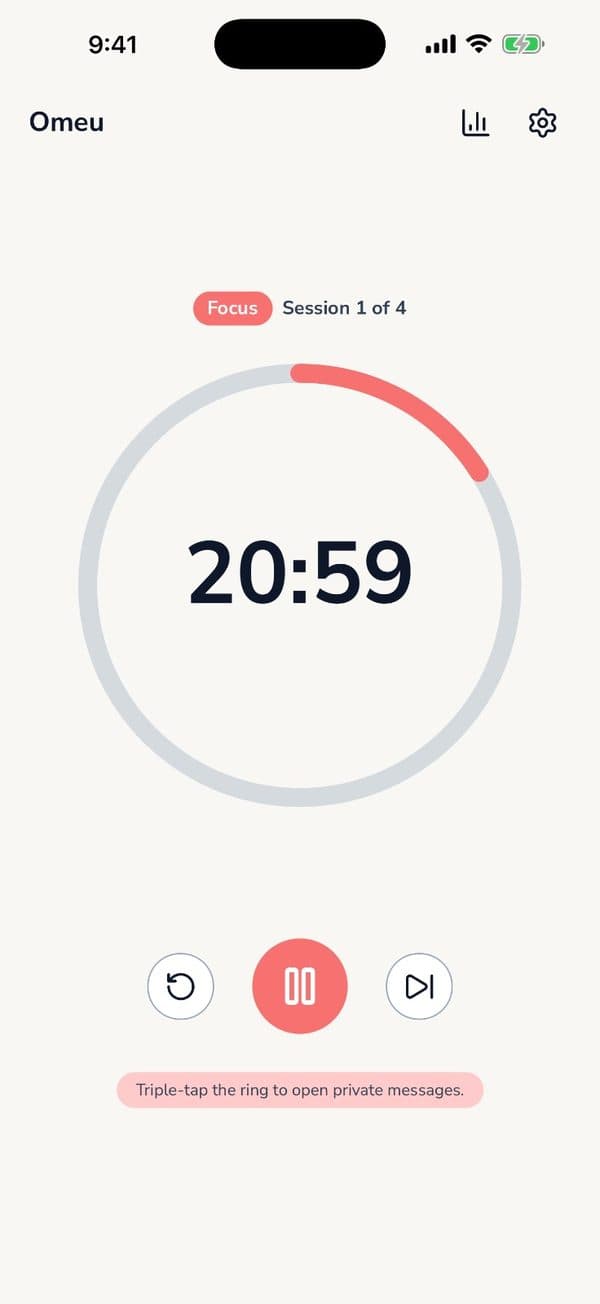
Use end-to-end encryption with keys kept only on your phone, notifications that hide names and message text, disappearing messages, and single-use invites. Omeu does all of this and hides the chat behind a triple tap and a PIN inside a focus timer.

Lots of apps say "encrypted". That protects messages while they travel. But most privacy slips happen on the phone itself: a notification preview on a locked screen, a chat app sitting on the home screen, or an old thread that never went away.
What real privacy looks like
End-to-end encryption, with keys on your phone
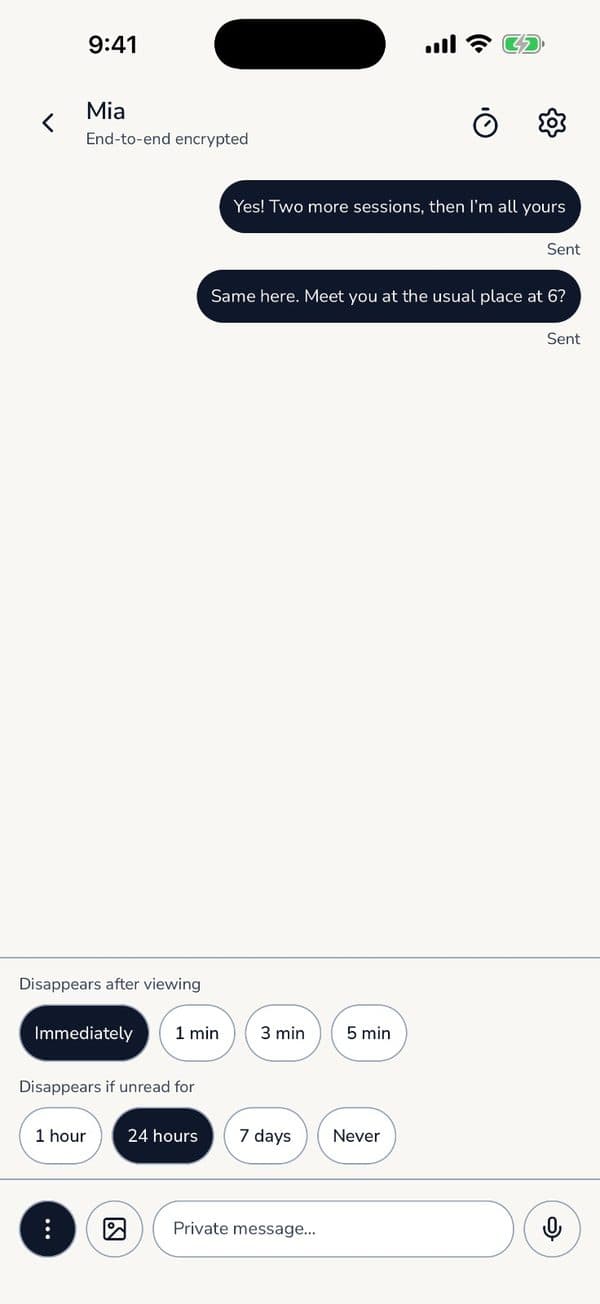
Only the two people in the chat should be able to read it. Not the app maker, not a server. In Omeu, the keys live only on your phone.
Notifications that don't give it away
A message preview on your lock screen is readable by anyone who glances at it. Omeu's notifications hide both the name and the content.
Messages that don't hang around
Choose whether a message vanishes after it's viewed or a few minutes later. In Omeu, unread messages also expire after an hour, a day or a week, your choice.
Out of sight
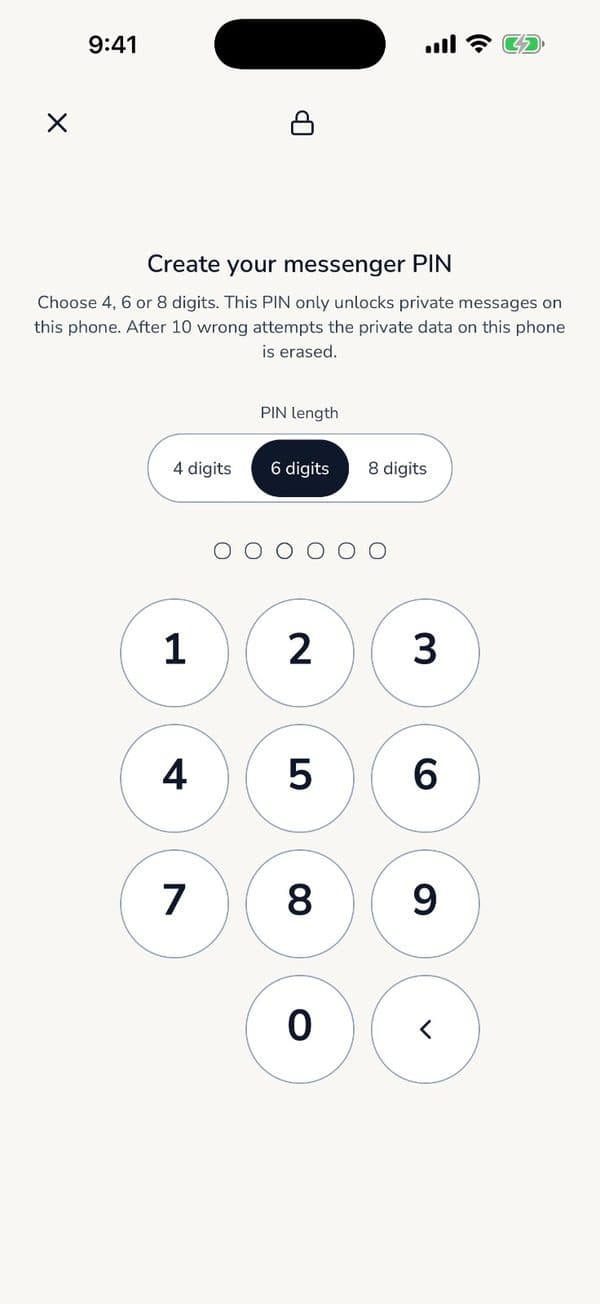
Omeu looks like a focus timer, because it is one. The private room opens with a triple tap on the ring and your PIN.
Invites that can't be reused
Each room is for two people. You share a single-use invite code that expires after seven days, so a forwarded code is useless.