How to stop checking your phone while studying
You pick it up "for a second" and lose twenty minutes. Practical ways to break the habit, without throwing your phone in a drawer.
 Airbok team
5 min read
Quick answer
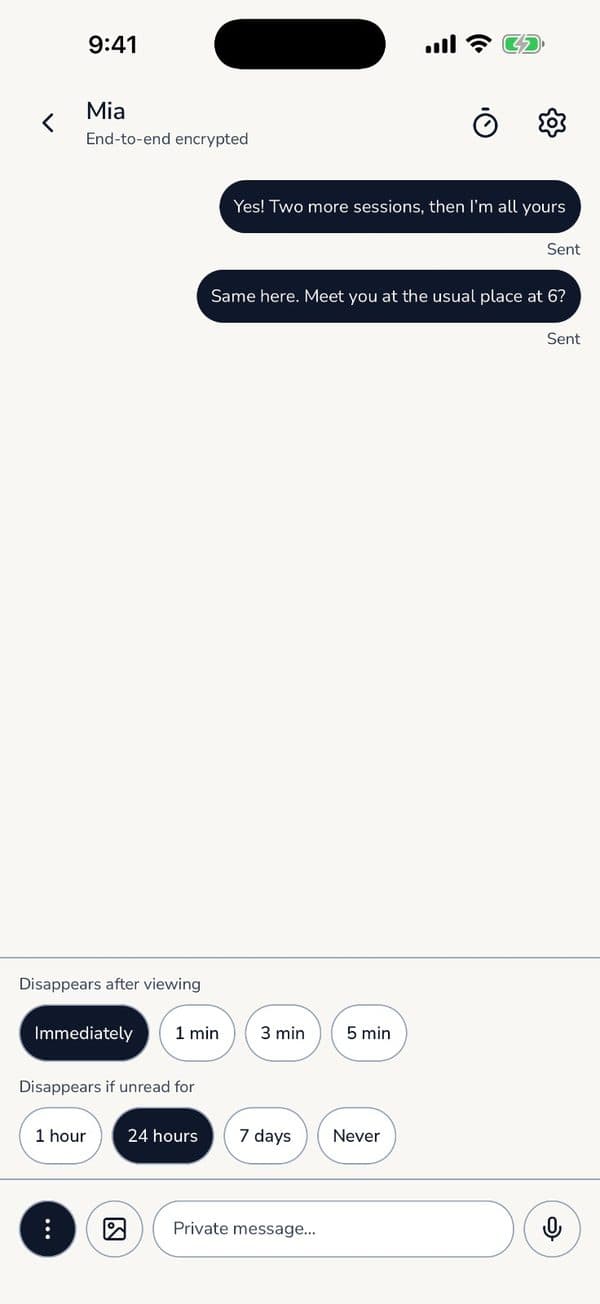
Turn your phone into your study timer, work in short timed sprints, and only check messages in the breaks. Keep the countdown visible without unlocking (Omeu shows it on the lock screen and Dynamic Island) and turn off notifications from distracting apps.

You sit down to revise. Ten minutes later you're watching a video about something you didn't know you cared about. Sound familiar? It's not a willpower problem. Phones are designed to be picked up.
1. Give your phone a job
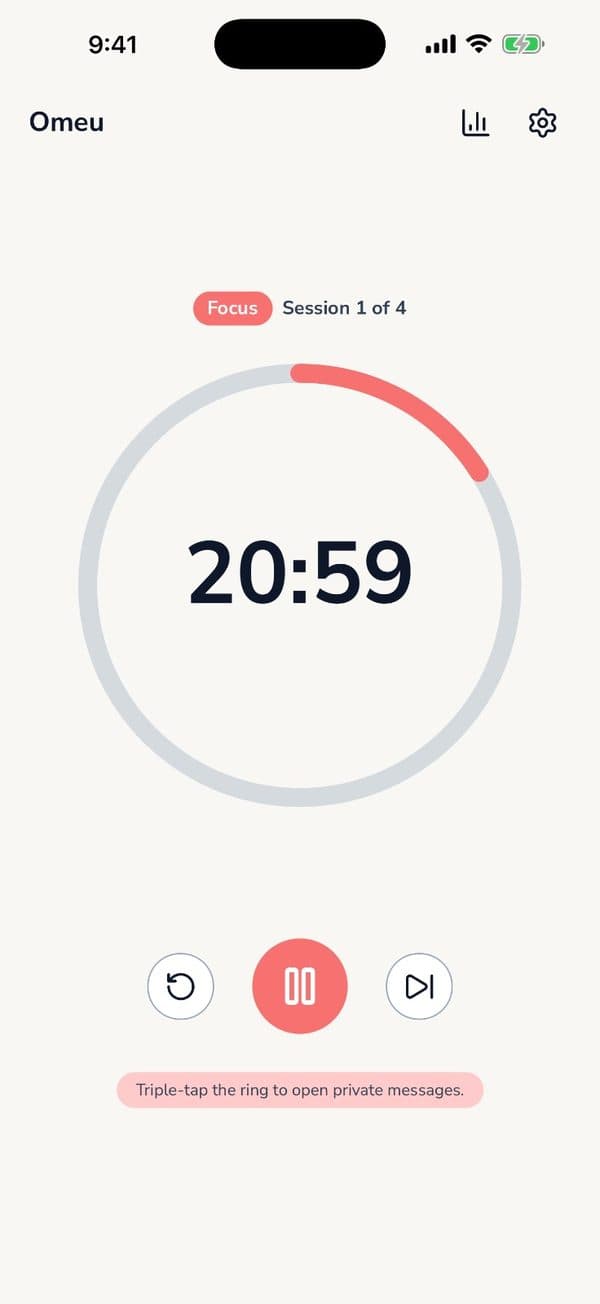
Hiding your phone works until you need it for something. A better trick: make it the focus timer. When the phone's job is counting down your study session, picking it up feels like breaking the session, not taking a quick look.
2. Study in short, clear sprints
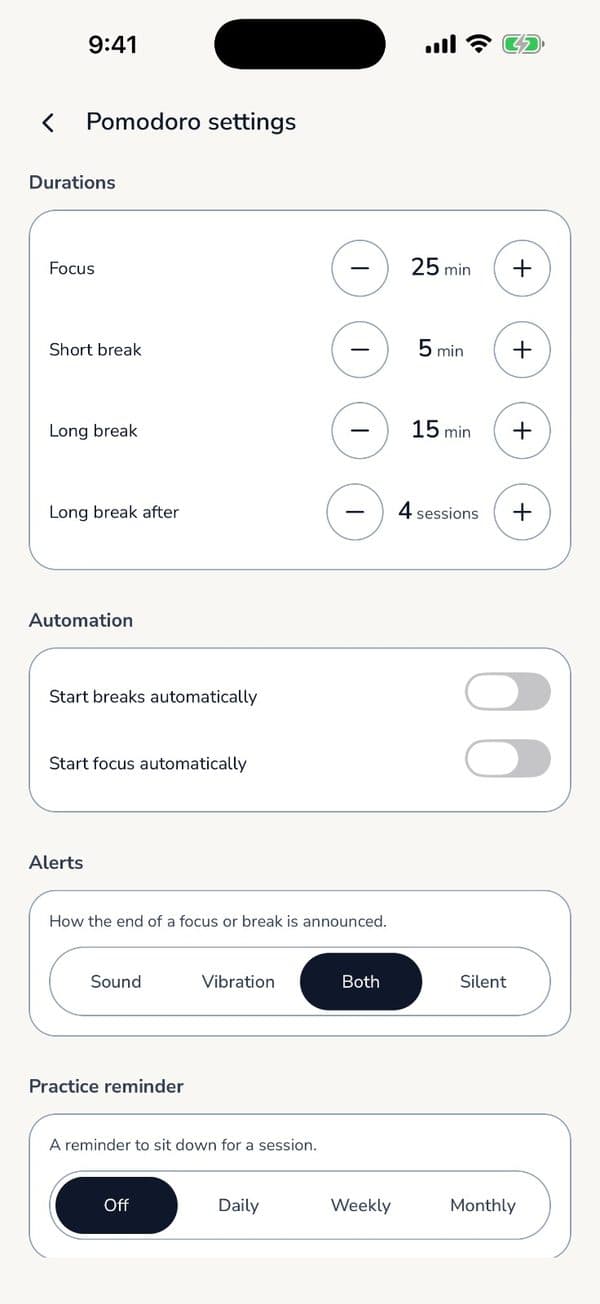
"Study all afternoon" is vague and easy to drift from. "25 minutes on chapter 4" isn't. Use the Pomodoro Technique and let the breaks be when you check messages.
3. See the timer without unlocking
Most distraction starts with unlocking to check the time left. Omeu shows the countdown on your lock screen and Dynamic Island, so you can glance and get back to work.
4. Turn off what you don't need
- Use a Focus mode that only lets calls from family through.
- Turn off badges for social apps.
- Move tempting apps off your home screen.
5. Track it
Seeing "6 sessions today, 4-day streak" is surprisingly motivating. Omeu's statistics show focus time, sessions, active days and streaks by day, week or month, and everything stays on your phone.