How to talk to your friends with no cell service
No bars, no Wi-Fi, no SIM? Here's how to keep talking to your group anyway, and what actually works when the network doesn't.
 Airbok team
6 min read
Quick answer
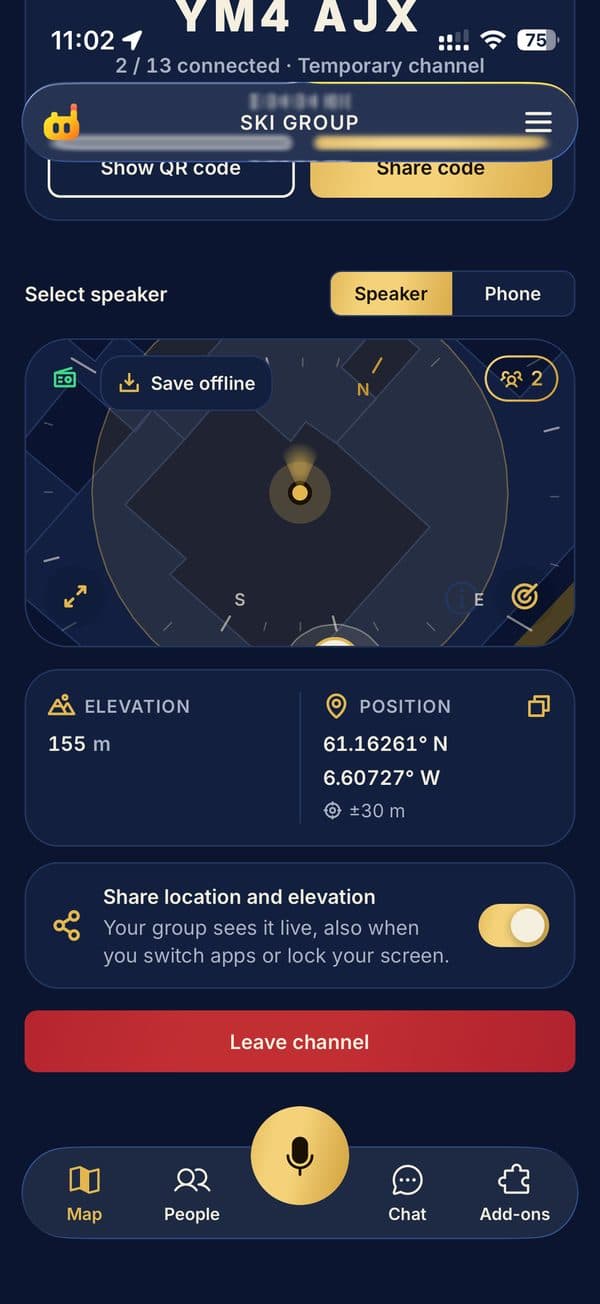
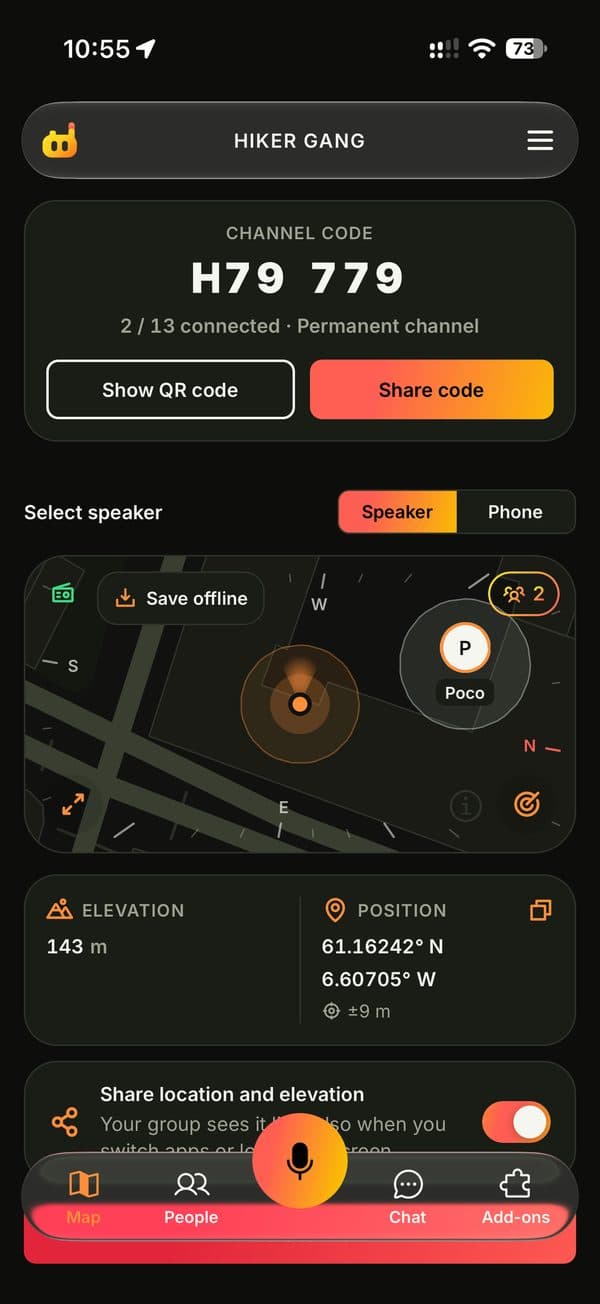
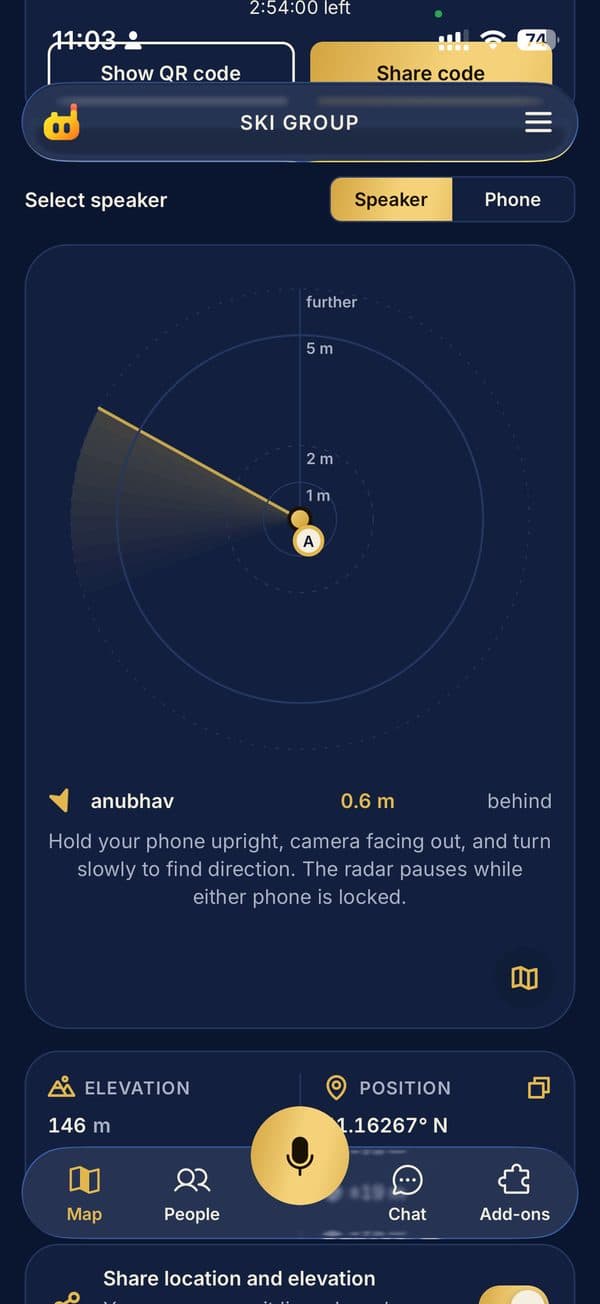
Use an app that connects phones directly instead of going through a cell tower. Speeky links nearby iPhones peer to peer, so your group can push-to-talk, message and share live locations with no signal, Wi-Fi or SIM. Install it and join a channel while you still have signal.

It always happens at the worst moment. You're on a trail, in a packed stadium, or abroad with roaming switched off, and your messages just sit there with a little clock next to them. Your phone is fine. The network isn't.
The good news: your phones don't need a tower to talk to each other. They already have the radios to connect directly. You just need an app that uses them.
Why calls and texts fail without signal
Calls, SMS, iMessage and WhatsApp all route through a cell tower or the internet, even when your friend is standing ten metres away. No tower, no message. That's why the people right next to you feel unreachable.
Your options, from old-school to app
1. A pair of radios
Handheld walkie-talkies work, but they're one more thing to buy, charge and carry, and everyone needs one. Fine for a ski patrol. Overkill for a weekend away.
2. Satellite messaging
Some newer phones can send emergency texts by satellite. That's great for real emergencies, but it's slow, and it isn't built for chatting with your group about where to meet.
3. A phone-to-phone walkie-talkie app
This is the sweet spot for most groups. An app like Speeky connects nearby phones directly, so you hold a button and everyone hears you. No signal, Wi-Fi or SIM needed.
How to set it up in two minutes
- Everyone installs Speeky from the App Store while you still have signal.
- One person creates a channel and shows the QR code, or shares the 6-character code.
- Everyone joins. That's it: hold Talk to speak to the whole group.
- Going somewhere remote? Save the map area before you leave so the live map works offline too.
What to expect
- Range depends on what's between you. Open ground is better than concrete.
- If someone wanders out of range and has signal, Speeky moves them to the internet automatically, then back again when they're close.
- It's built for staying in touch, not as an emergency radio. For real emergencies, call your local emergency number.
Questions people ask
Can two iPhones talk without cell service?
Yes. Apps like Speeky connect nearby iPhones directly to each other, so you can send voice and messages with no signal, Wi-Fi or SIM.
How far apart can we be?
Direct phone-to-phone range depends on walls, terrain and crowds. In the open it reaches further than indoors. When someone moves out of range, Speeky switches them to the internet if they have signal.
Is it free?
Joining a channel is always free, and a free channel holds you plus 2 people. Leaders can add Seats for bigger groups.