What to look for in a walkie-talkie app for iPhone
Most walkie-talkie apps quietly need the internet. Here are the features that matter if you want one that works offline, in a group, anywhere.
 Airbok team
5 min read
Quick answer
Pick one that works peer to peer with no internet, switches to the internet automatically when people drift apart, supports whole groups, has an offline map and gives leaders tools like stray alerts. Test it in Airplane Mode with Bluetooth on before you rely on it.

Search the App Store for "walkie-talkie" and you'll get pages of results. Here's the catch most listings don't make obvious: many of them route your voice through a server, which means they stop working exactly when you need them, when there's no signal.
If you want a push-to-talk app you can rely on outdoors, abroad or in a crowd, check for these.
1. It works with no internet at all
Look for apps that connect phones directly, peer to peer. Turn on Airplane Mode (with Bluetooth and Wi-Fi radios still on) and test it with a friend. If it still works, it's the real thing.
2. It falls back to the internet when you're far apart
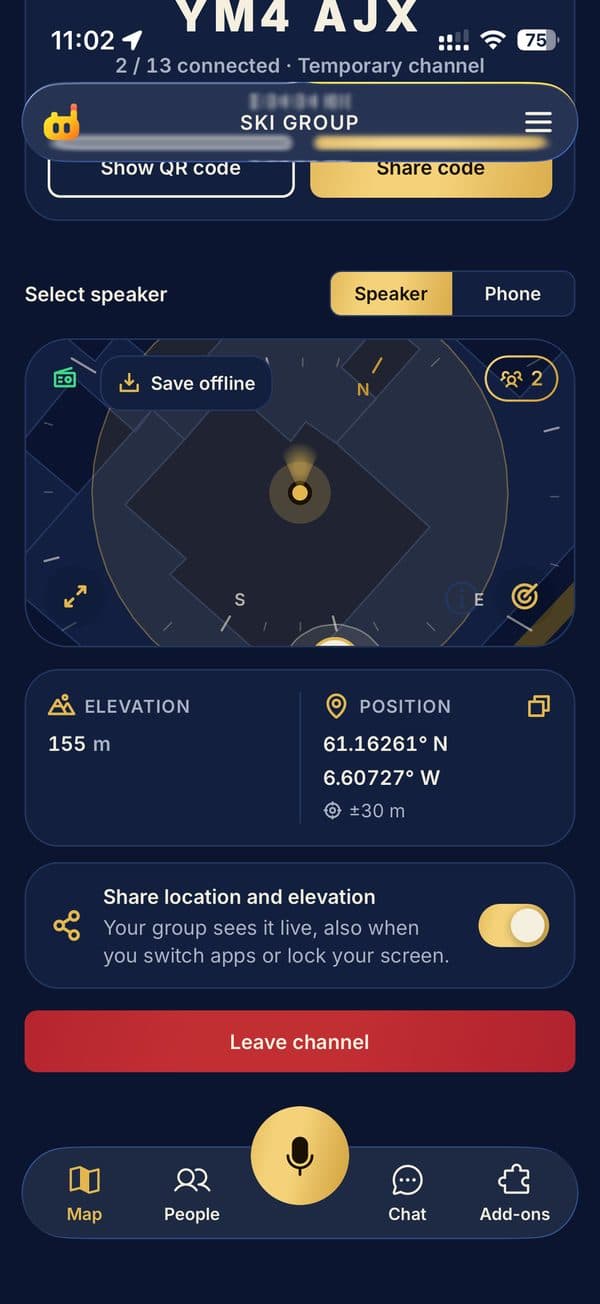
Direct connections have a range. The best apps quietly switch to the internet for anyone who drifts out of range, then switch back. Speeky does this automatically, so nobody has to think about it.
3. Groups, not just pairs
Two-person apps are fine for couples. Families, tour groups and hiking crews need channels where one press reaches everyone, plus private calls for the times only one person needs to hear it.
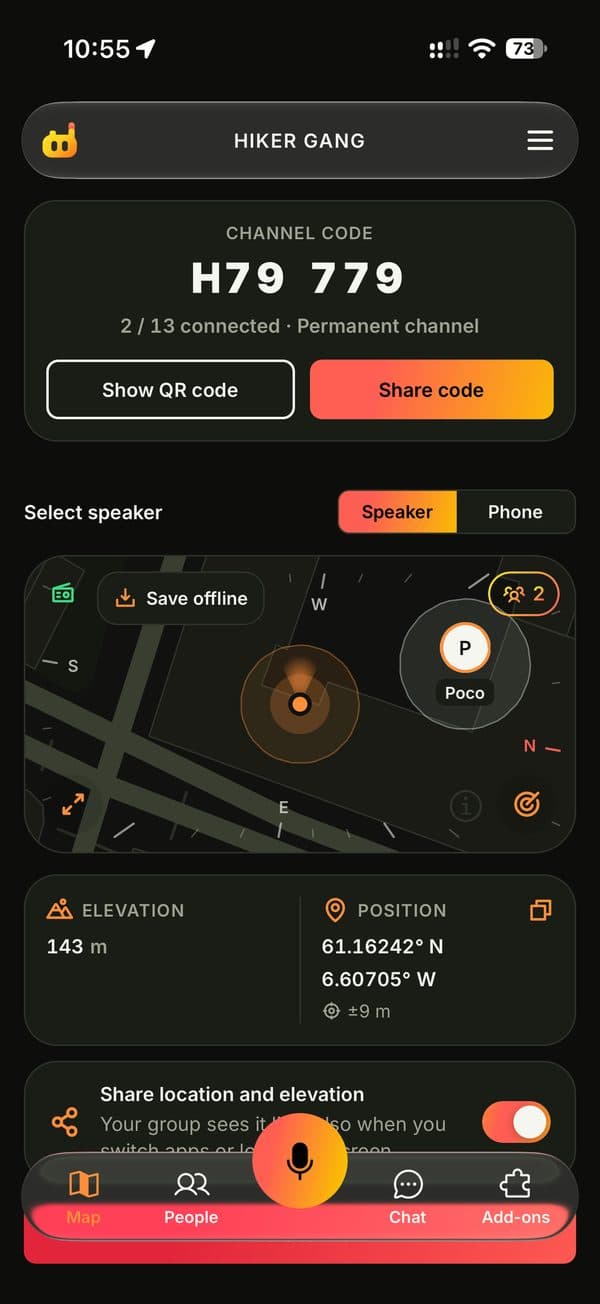
4. A live map that works offline
Hearing "I'm by the big tree" isn't helpful. Seeing everyone on a map is. Check that you can save a map area in advance, so locations still show with no signal.
5. Tools for whoever's in charge
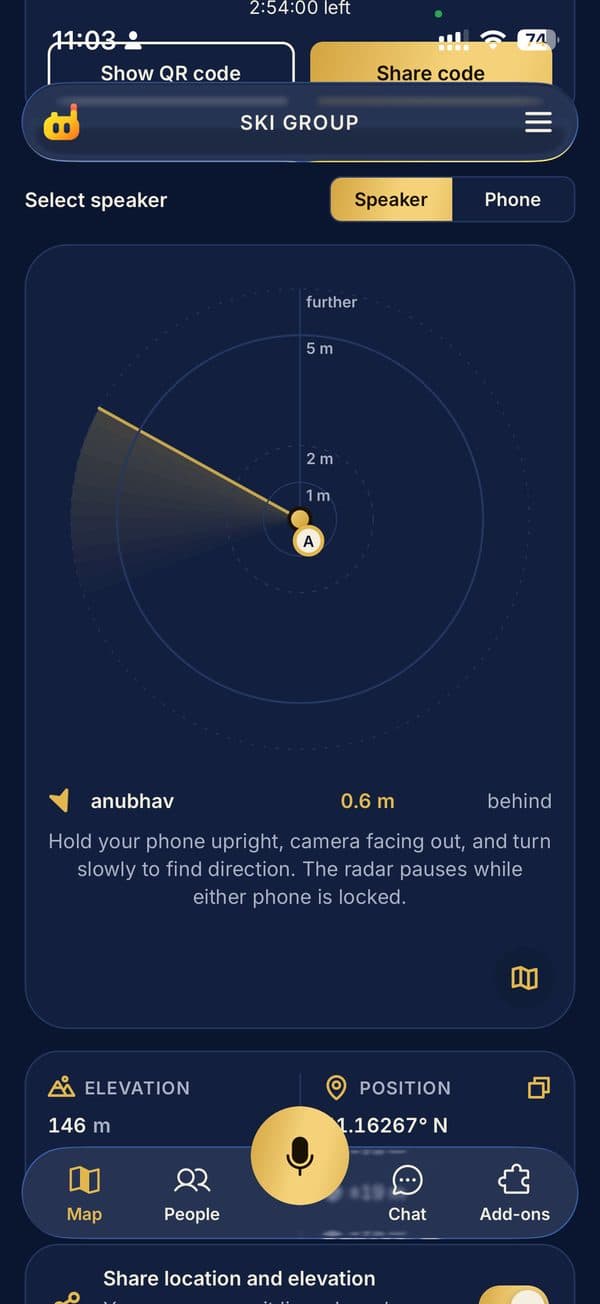
If you lead groups, you'll want to mute people, get an alert when someone strays too far, and drop a regroup pin everyone can see.
6. Fair pricing
Joining shouldn't cost anything. With Speeky, joining is always free and a free channel holds you plus 2 people. Leaders can add Seats for up to 33 people, as a subscription or a one-trip pass.